






Section 508 · Revised 508 Standards · WCAG 2.0 AA · ACR · VPAT 2.5
Section 508 compliance for federal agencies and their vendors
Section 508 shapes what federal agencies buy, and so it shapes what vendors have to show. Since January 18, 2018, the Revised 508 Standards have required WCAG 2.0 Level A and AA for the websites, documents and software that agencies develop, procure, maintain or use. If you sell software, SaaS, documents or services to the federal government, the buyer will usually ask for an Accessibility Conformance Report (ACR). This page explains what the standards require, how they compare with WCAG 2.1 and 2.2, and what makes an ACR hold up when a buyer checks it.
Trusted by leading companies across the DACH region
Featured as an expert on ZDF WISO









What Section 508 is and why vendors feel it first
Section 508 of the Rehabilitation Act (29 U.S.C. § 794d) requires federal agencies to make the information and communication technology (ICT) they develop, procure, maintain or use accessible to federal employees and members of the public with disabilities. The technical details are set out in the Revised 508 Standards of the U.S. Access Board (36 CFR Part 1194), published in January 2017 and applicable since January 18, 2018.
The law is addressed to agencies, not to companies. Vendors feel it through procurement: the Federal Acquisition Regulation requires acquisitions of ICT to meet the applicable standards, and solicitations pass that requirement on to every offeror. For a vendor, that usually means one thing in practice: the buyer asks for an ACR.
Legal status as of November 10, 2026. The Revised 508 Standards still reference WCAG 2.0 Level A and AA. We have found no rulemaking that would move them to WCAG 2.1 or 2.2. The Federal Acquisition Regulation (FAR) implements Section 508 in Part 39. This page explains the rules for agencies and vendors; it is not legal advice.
The Revised 508 Standards: WCAG 2.0 AA for web, documents and software
The heart of the Revised 508 Standards fits into two sentences. Electronic content must conform to the Level A and Level AA success criteria and conformance requirements of WCAG 2.0 (E205.4). The user interface and content of software must do the same (E207.2). This is the point many vendors miss: under Section 508, WCAG is not just a website standard. It applies to a PDF report, a Word template, a desktop application and a SaaS product alike.
For non-web documents and non-web software, the standards read “document” or “software” wherever WCAG says “web page”. Four success criteria that only make sense across a set of web pages do not apply to them: 2.4.1 Bypass Blocks, 2.4.5 Multiple Ways, 3.2.3 Consistent Navigation and 3.2.4 Consistent Identification.
Where Section 508 goes beyond WCAG
A WCAG test alone does not answer every row of a 508 report. The standards add four chapters of their own:
- Chapter 3, Functional Performance Criteria: they apply where the technical chapters do not address a function, for example use without vision or with limited reach and strength.
- Chapter 4, Hardware: devices, kiosks and anything with physical controls.
- Chapter 5, Software: interoperability with assistive technology, user preferences and authoring tools. A web application without access to platform accessibility services is exempt from sections 502 and 503 if it conforms to WCAG 2.0 Level A and AA.
- Chapter 6, Support Documentation and Services: your help center, user guides and support desk. Electronic support documentation must meet WCAG 2.0 Level A and AA, and support services must accommodate the communication needs of people with disabilities.
Which content counts
All public-facing content is covered. Internal agency content is covered when it is official business in one of nine categories (E205.3), among them emergency notifications, decisions on administrative claims, program or policy announcements, notices of benefits or personnel actions, surveys, templates and forms, and educational or training materials. If you deliver reports, training or forms to an agency, that list matters more than the word “public”.
Section 508 vs. WCAG 2.1 and 2.2
Apart from the extra chapters, Section 508 vs. WCAG is above all a question of versions. Section 508 references WCAG 2.0 from 2008. WCAG 2.1 added 17 success criteria, 12 of them at Level A and AA, for example Reflow, Non-text Contrast and Status Messages. WCAG 2.2 added nine more, six of them at Level A and AA, such as Target Size (Minimum), Dragging Movements and Accessible Authentication (Minimum), and it removed 4.1.1 Parsing.
The W3C states that content which conforms to WCAG 2.2 also conforms to WCAG 2.0 and 2.1. There is one catch for a 508 report: the W3C itself notes that authors bound to WCAG 2.0 or 2.1 may still need to test and report 4.1.1. A 508 ACR lists that criterion, so your testing has to cover it.
My advice to vendors: test against WCAG 2.2 Level AA, add 4.1.1, and report in the edition your buyer asks for. There are three reasons:
- Your other public-sector customers already need more. The ADA Title II rule for state and local governments and the HHS Section 504 rule for recipients of HHS funding both use WCAG 2.1 Level AA. The deadlines and open questions are on our page on ADA Title II.
- Europe works with newer versions. The EU edition of the VPAT is built on EN 301 549 and incorporates WCAG 2.1; the WCAG and INT editions include WCAG 2.2.
- The W3C recommends it. Its working group advises adopting WCAG 2.2 as the conformance target, even where formal obligations mention earlier versions.
What changed from version to version is explained on our page on WCAG 2.2.
Procurement: what federal buyers ask for
The FAR requires acquisitions of ICT to meet the applicable standards in 36 CFR 1194 unless an exception or exemption applies. For commercial products, an agency must meet the standards that can be met with what the commercial marketplace offers and that best address its needs. Exceptions such as national security systems, and exemptions such as undue burden or fundamental alteration, are determined and documented by the agency. GSA adds that only the government, never a vendor, may claim an exception that makes an ACR unnecessary.
What reaches a vendor’s desk is shaped by GSA guidance on Section508.gov. For each standard off-the-shelf product, it tells agencies to require:
- an Accessibility Conformance Report (ACR), complete and submitted as instructed, to be considered for award,
- a Supplemental Accessibility Report that describes the evaluation methods behind the ACR, the accessibility features, core functions people with disabilities cannot use, and how to configure the product for accessibility,
- the Issue Detail Supplement, which explains the severity and user impact of known issues.
Agencies may also ask for a demonstration, remediation plans and improvement plans, and they can reserve the right to test your product before award. For indefinite-quantity contracts, the FAR requires the contract to identify which items the contractor indicates as compliant and where the full details can be found, for example on the vendor’s website. Your ACR is not a one-off attachment. It travels with the contract.
The ACR as practical proof
An ACR is a completed VPAT, the Voluntary Product Accessibility Template of the Information Technology Industry Council (ITI). The current version is VPAT 2.5Rev from April 2025. It comes in four editions:
- 508: the Revised 508 Standards, with WCAG 2.0
- EU: EN 301 549, with WCAG 2.1
- WCAG: WCAG 2.0, 2.1 and 2.2
- INT: all three, with WCAG 2.2
For federal sales, GSA says to use the 508 or the INT edition. The template is voluntary; the report is not. In GSA’s words, using the VPAT itself is not required, but completing an ACR is not voluntary if you want the government to consider your product.
What a good ACR looks like
- The right edition, the exact product name and version, and the report date.
- A clear description of the evaluation methods: manual and automated testing, the tools and the assistive technologies used.
- Every Level A and AA criterion answered with one of four terms: Supports, Partially Supports, Does Not Support or Not Applicable. “Not Evaluated” is only allowed in the AAA table.
- Remarks that say what fails, where and for whom, whenever a criterion is only partially supported or not supported.
- The applicable 508 chapters completed, especially Chapter 5 for software and Chapter 6 for support documentation and services.
- An update whenever the product changes in ways that affect accessibility. GSA notes that a version change or even a bug fix may require an updated ACR.
- A report that is itself usable with assistive technology. GSA’s own checklist asks vendors to check the ACR for accessibility.
Why “Supports” in every row hurts you
In our audits, the ACRs that cause the most trouble are not the ones with many “Partially Supports”. They are the ones that say “Supports” in every row, filled in from memory or from a scanner report. There are four reasons:
- Buyers check. GSA tells purchasers to verify vendor claims with independent testing whenever possible and, for web products, points to Baseline-aligned test processes such as Trusted Tester. One “Supports” that fails a buyer’s keyboard test puts every other row in doubt.
- A scanner cannot back it. 60–70 % of WCAG criteria cannot be tested automatically. Whether alternative text is meaningful, whether the focus order makes sense, whether a screen reader user can finish a form: only people can judge that.
- Honesty is not penalized. According to GSA, a product that does not meet every standard is still considered and compared with similar products. Where no fully conforming product is available, agencies must buy the one that best meets the standards. A precise “Partially Supports” with a remediation plan can compete. A “Supports” that turns out to be wrong cannot.
- Unsubstantiated claims are a risk of their own. In 2025, the FTC finalized an order requiring an overlay vendor to pay USD 1 million. The FTC alleged that the vendor’s claims that its AI tool could make any website WCAG-compliant were unsubstantiated. That case was about advertising, not about an ACR. The lesson carries over: every claim of conformance should rest on testing you can show.
An ACR is not a certificate
ITI does not review or approve VPATs, and there is no VPAT certification. An ACR has no pass or fail. It documents, criterion by criterion, what testing found, and its value depends entirely on that testing. Some solicitations require a third-party audit or review; ITI points this out itself. Even an ACR written by an independent auditor remains documentation of results. It is not proof of legal compliance.
Section 508 and PDFs
Under Section 508, a PDF is a non-web document. It must meet WCAG 2.0 Level A and AA, minus the four exempted criteria. PDF/UA (ISO 14289-1) is not an alternative path. The Access Board proposed allowing PDF/UA-1 as an alternative and dropped it from the final rule, because PDF/UA-1 does not cover everything WCAG requires, for example color contrast, scripting and PDFs used as a container for video. The Board added that PDF/UA-1 remains useful when agencies assess PDFs for WCAG 2.0 conformance.
That matches our experience: a PDF/UA-compliant file is a strong technical basis, but the 508 question is answered against WCAG criteria. Three kinds of documents belong in a vendor’s ACR:
- Documents you deliver, such as reports, training materials, forms and templates handed to an agency.
- Documents your product creates. Authoring tools that export PDF must be able to export PDF/UA-1 files (504.2.2). If users create content in your product and export it as PDF, check whether that row applies to you.
- Your support documentation, such as user guides and help articles, under Chapter 6.
For a quick first look, Access Read checks a PDF against PDF/UA for free in the browser. What the rules require for documents in detail is on our page on ADA and Section 508 PDFs.
A realistic path to a credible ACR
- Map your offering. Which parts are web, software, documents, support documentation or hardware? That decides which tables and chapters you fill in, and whether you need the 508 or the INT edition.
- Test before you write. Test manually and with screen readers such as JAWS, NVDA and VoiceOver, against WCAG 2.2 Level AA plus 4.1.1 and the applicable 508 chapters. Automated tools help, but they cover only part of the criteria.
- Write the report honestly. Use “Partially Supports” where it is true, explain each gap and attach a remediation plan.
- Fix the documents. PDFs, templates and help content are often the gaps nobody planned for.
- Keep it current. Re-test after releases and update the ACR when the product changes.
For the broader picture, including the ADA and state laws, see our overview of digital accessibility law in the US.
The template is free.
The testing behind it is the work.
Section 508 rewards vendors who know exactly where their product stands. A buyer can work with “Partially Supports” and a credible plan. What a buyer cannot work with is a report that falls apart at the first test. That is why we start with testing, not with the template.
Access Score® is the free first look. It checks several pages of your website against WCAG 2.2, using a methodology we have sharpened in real audits, and it finds barriers that superficial quick tests miss. It does not replace human judgment on comprehensibility, context and real use.
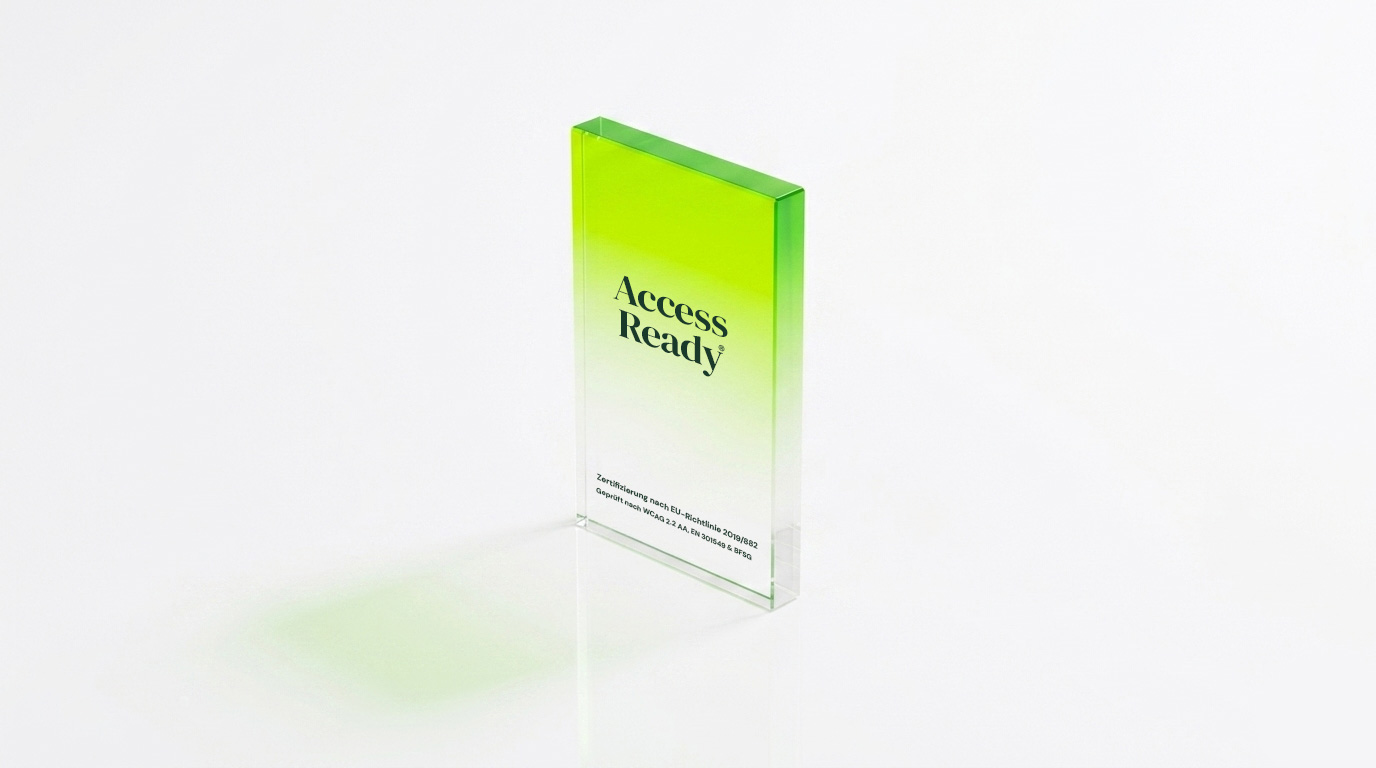
Access Ready is the deep audit: manual testing with JAWS, NVDA and VoiceOver, together with people who use assistive technology every day. On request, we document the results as an Accessibility Conformance Report based on the VPAT template, criterion by criterion and with the evaluation methods stated.
Access Doc remediates your PDFs to PDF/UA with human review, from single documents to large volumes, and documents the result in a conformance report for each document, checked against PDF/UA and WCAG criteria.
Access Guard checks your product after every deployment, so you notice when a release breaks something your ACR describes.
FAQ
Frequently asked questions about Section 508
What does Section 508 compliance mean?
Section 508 obliges federal agencies to develop, procure, maintain and use ICT that people with disabilities can use. For a product, GSA puts it this way: if the product supports all applicable Section 508 technical standards, it is considered compliant with Section 508. Section 508 itself does not certify products. Vendors test their products and report the result in an Accessibility Conformance Report; agencies evaluate that report and may test the product themselves.
What are the Section 508 standards?
They are the Revised 508 Standards of the U.S. Access Board (36 CFR Part 1194), applicable since January 18, 2018. They require WCAG 2.0 Level A and AA for electronic content and software, and they add requirements for hardware, for software interoperability with assistive technology, for support documentation and services, and functional performance criteria.
What is the difference between Section 508 and WCAG?
WCAG is a technical guideline from the W3C; Section 508 is a federal law with its own standards. The Revised 508 Standards incorporate WCAG 2.0 Level A and AA and apply them to web content, documents and software. They also contain chapters WCAG does not cover, such as hardware and support services. Section 508 does not require WCAG 2.1 or 2.2, but testing against WCAG 2.2 Level AA, plus 4.1.1 Parsing, covers the WCAG 2.0 criteria a 508 report asks for.
What is a VPAT?
VPAT stands for Voluntary Product Accessibility Template. It is a free template from the Information Technology Industry Council (ITI) that turns accessibility standards into criteria you test against and report on. The current version, VPAT 2.5Rev from April 2025, comes in four editions: 508, EU, WCAG and INT.
Is a VPAT the same as an ACR?
Not quite. The VPAT is the empty template. According to ITI, a VPAT completed for a specific product is an Accessibility Conformance Report (ACR). Buyers often say “send us your VPAT” when they mean the ACR. GSA notes that the VPAT is the most common way to create an ACR, but not the only one.
Does Section 508 apply to private companies?
Not directly. Section 508 applies to federal agencies. Companies are affected when they sell ICT to agencies, because the FAR carries the standards into solicitations and contracts. For a company’s own website, other laws matter, above all the ADA. Our overview of US accessibility law explains which rule applies to whom.
Is a PDF/UA-compliant PDF enough for Section 508?
Not on its own. Section 508 measures PDFs against WCAG 2.0 Level A and AA. The Access Board decided not to accept PDF/UA-1 as an alternative, because it does not cover every WCAG requirement, color contrast for example. PDF/UA remains a strong technical basis and a useful aid when testing. Details are on our page on ADA and Section 508 PDFs.
Can an automated scan produce a Section 508 ACR?
Not a credible one. 60–70 % of WCAG criteria cannot be tested automatically, and the VPAT does not allow “Not Evaluated” for Level A and AA criteria. A scan is a good way to start finding issues. Behind every “Supports” in an ACR, there should be manual testing with assistive technology.
An ACR that holds up when the buyer tests
Tell us about your product, your documents and the solicitation in front of you. We will tell you honestly what an audit can show, where your report will probably say “Partially Supports”, and what it takes to change that.
Section 508 compliance in practice: standards, procurement and the ACR
Section 508 compliance starts with the standards themselves. The U.S. Access Board publishes the Revised 508 Standards, and GSA explains on Section508.gov how vendors document conformance in an Accessibility Conformance Report. Both sources show that Section 508 is less a label than a process: test against WCAG 2.0 Level A and AA and the applicable 508 chapters, report honestly, and update the report when the product changes.
With ifdb, you can work through that process step by step. Access Ready audits your product with assistive-technology users and, on request, documents the results as an ACR. Access Doc remediates your PDFs to PDF/UA with human review. And our page on ADA and Section 508 PDFs explains what the rules require for documents.